Blog
IQOS ILUMA i Pause Mode and FlexPuff: How Each Feature Works

Pause Mode and FlexPuff solve different problems on IQOS ILUMA i. Pause Mode lets an eligible experience stop temporarily and resume, while FlexPuff may add up to four extra puffs when the device detects that the available aerosol has not been fully used. They do not run together: using Pause Mode prevents FlexPuff from activating for that experience.
This guide follows the current IQOS UAE instructions for the IQOS ILUMA i holder-and-pocket-charger model. Features can vary by device, battery mode and software setting, so first confirm the exact model printed on the device or box.
Pause Mode and FlexPuff at a glance
| Feature | What it does | Main limit |
|---|---|---|
| Pause Mode | Temporarily stops an eligible experience and lets it resume after pre-heating. | Available once in Performance Mode during the first or second consecutive use, within the first three minutes or eight puffs. |
| FlexPuff | May provide up to four additional puffs after the device analyses the usage pattern. | Extra puffs must remain within the maximum six-minute experience; activation is not guaranteed. |
Neither feature changes stick compatibility. IQOS ILUMA and ILUMA i are designed for compatible SMARTCORE STICKS such as TEREA. BLENDS belongs to IQOS BONDS, while HEETS belongs to older blade devices. See the TEREA, BLENDS and HEETS compatibility guide before inserting a stick.
Confirm that Pause Mode is available
The touch screen shows two vertical lines when Pause Mode is available. The current IQOS UAE guide says the feature can be used once in Performance Mode during the first or second consecutive use. It must be activated within the first three minutes or first eight puffs of the experience.
If the two-line symbol is not shown, do not keep swiping or assume that the screen is faulty. The timing window may have closed, the holder may not be in the required battery mode, or that experience may not be eligible. The exact screen state is more reliable than instructions written for another ILUMA model.
How to pause an eligible experience
- Check that two vertical lines are visible on the touch screen.
- Swipe down across the entire length of the touch screen.
- Look for four vertical lines, which confirm that the experience is paused.
- Keep the holder in a safe position while paused and do not remove or reinsert the stick.
A short or partial swipe may not activate the feature. The official instructions specifically say that the motion must cover the full length of the screen. Pause can last for up to eight minutes. If the experience is not resumed within that time, the holder switches off automatically.
How to resume after pausing
Swipe up across the entire touch screen. The holder must pre-heat again before it is ready. Wait for the vibration and Light Guide confirmation rather than beginning immediately after the swipe.
If the holder does not resume, check whether the eight-minute limit has passed. A holder that has switched off cannot continue the same experience indefinitely. Remove the used stick according to the supplied safety instructions, return the holder to the pocket charger if needed, and start again only with a new compatible stick.
How FlexPuff decides whether to activate
FlexPuff is a smart feature managed through the IQOS app and is activated by default on a new device according to the current UAE support page. No swipe is required during the experience. The device analyses the consumed aerosol volume and may make extra puffs available.
When FlexPuff activates, the Light Guide indicates that additional puffs are available. The feature can provide up to four extra puffs, but they remain inside the maximum six-minute experience duration. The exact number depends on the individual usage pattern, so an extended experience will not occur every time.
FlexPuff should not be described as a fixed number of extra minutes or a guaranteed extension. It is conditional, and its result can differ from one experience to another.
Why FlexPuff may not appear
- Pause Mode was used: IQOS states that FlexPuff does not activate during an experience in which Pause Mode was used.
- The usage pattern did not qualify: the system analyses consumed aerosol volume and may decide not to add puffs.
- The feature is disabled: FlexPuff can be managed in the IQOS app.
- The six-minute limit has been reached: extra puffs do not extend the experience beyond that maximum duration.
- The device is a different model: screen symbols and smart features should not be transferred from ILUMA i instructions to ILUMA i ONE or an earlier ILUMA without checking that model’s guide.
Pause Mode versus stopping the experience
Removing the stick is not the same as using Pause Mode. Pause is a screen-controlled state with a visible four-line confirmation and a defined resume window. Pulling out a stick, repeatedly pressing buttons or trying to reinsert a used stick can interrupt normal operation and is not a substitute for the documented gesture.
Pre-heating also has its own signals. On IQOS ILUMA i, inserting a compatible stick can start pre-heating automatically, or the user can swipe up on the touch screen. The holder is ready after the second vibration. The IQOS ILUMA light and status guide explains the surrounding charging and vibration signals.
Safe checks when the touch screen does not respond
- Confirm that the holder has charge and is switched on.
- Wipe the outside of the screen gently with a clean, dry cloth.
- Use a full-length swipe rather than repeated short movements.
- Check the on-screen symbol before trying Pause Mode.
- Return the holder to the pocket charger and follow the model-specific restart instructions if the same issue continues.
Do not open the holder, insert a tool around the screen or apply liquid to it. If the device is damaged, wet, unusually hot or repeatedly fails to respond, stop using it and follow the manufacturer support route for that model. The broader IQOS ILUMA troubleshooting checklist covers charging and restart checks.
The practical choice between the two features
Use Pause Mode when the immediate need is to stop an eligible experience and continue within eight minutes. Leave Pause unused when you want the device to remain eligible to evaluate FlexPuff. Because FlexPuff is conditional, skipping Pause does not guarantee extra puffs—it only avoids the rule that prevents activation.
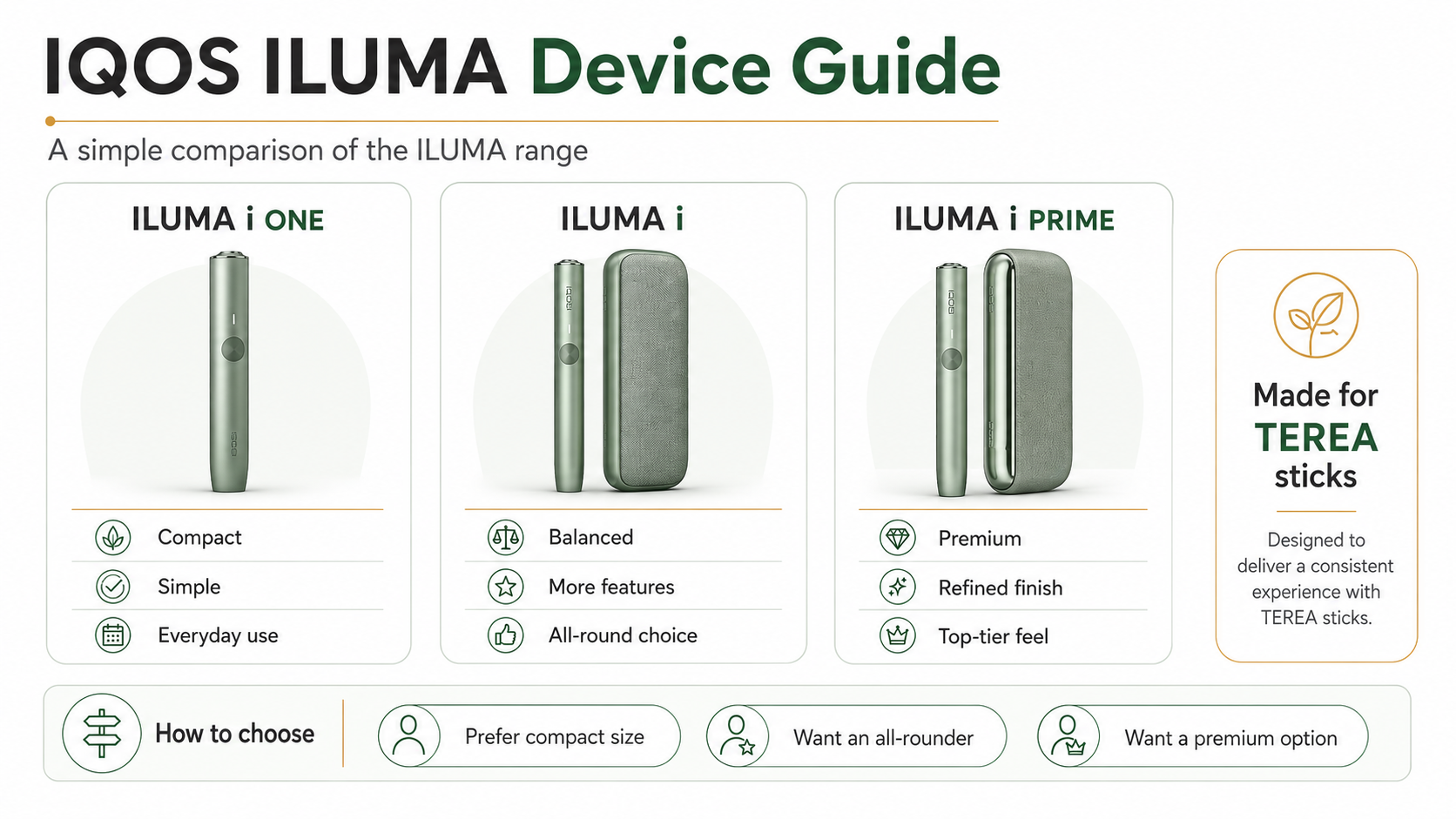
For model selection and feature differences, compare the current IQOS ILUMA device range and the ILUMA i model comparison.
Feature limits and gestures in this article were checked against the IQOS UAE ILUMA i first-steps guide on 11 September 2026.
TereaStore.ae is an independent retailer and is not affiliated with Philip Morris International. This guide is for adults aged 21 and over and makes no health or cessation claim.
When the feature differences are clear, the TereaStore UAE device comparison entrance is a practical next stop for current models.

1–2 Hour TEREA Delivery in Dubai and UAE
Get your favorite IQOS TEREA flavors delivered quickly across Dubai. Delivery daily 6 AM – 12 midnight.